

Cerub Guest Post – How to look good in a Zoom interview or call
Posted On - 22/09/2021
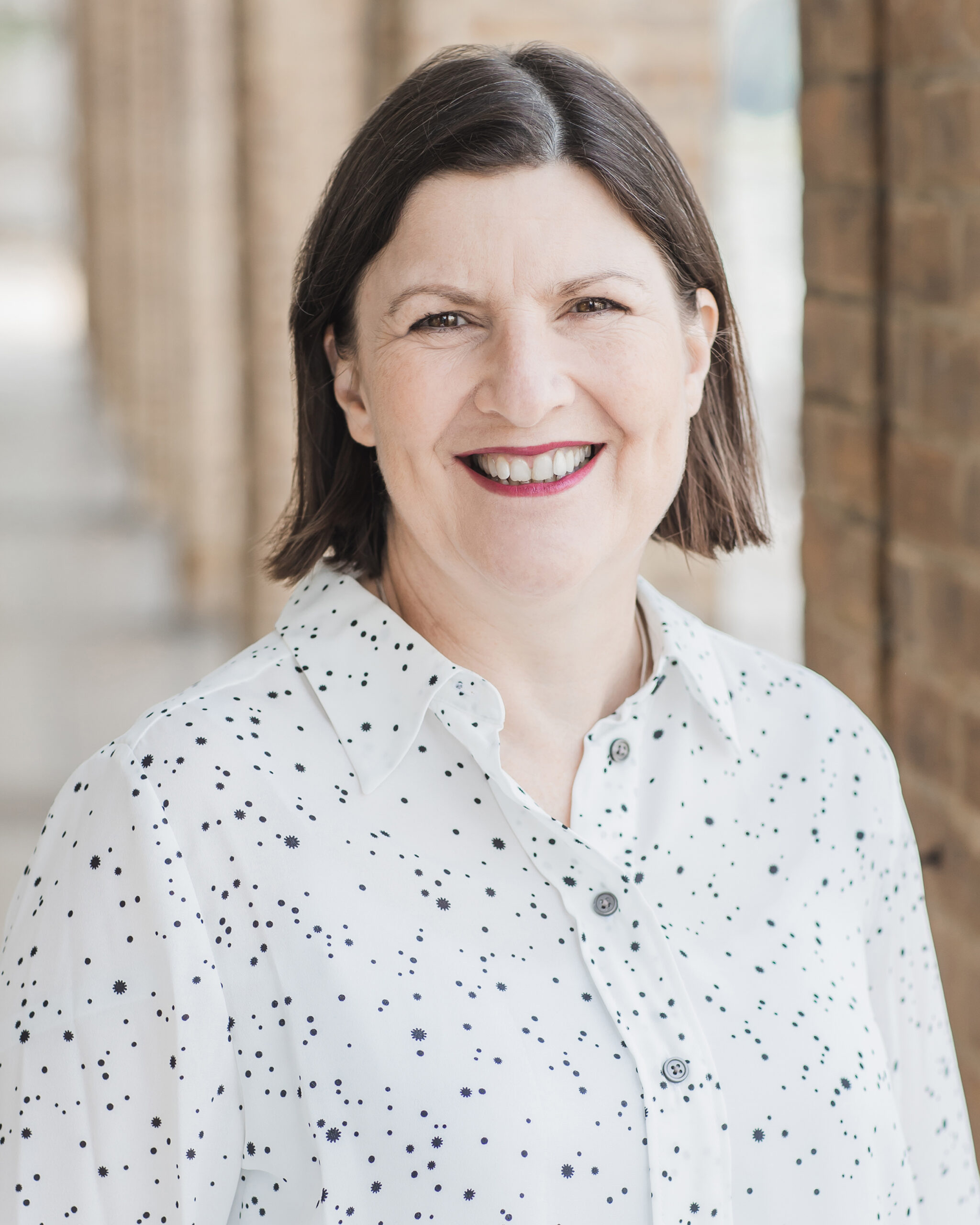
This month’s blog is from former BBC producer and leading media trainer, Ann Wright from Rough House Media.
With the pandemic struck 18 months ago, we were all thrust into doing virtual meetings and interviews.
We got used to seeing TV interviewees speaking to presenters from their living rooms, bedrooms or kitchen tables – and even now, when restrictions have lifted, it is still the norm.
Realistically, I can’t see TV interviews returning 100% to being conducted in a studio or on location, because it is just so much easier, and so much cheaper, to do them via Zoom.
So, if you haven’t thought about it so far, it is time to make sure that when you do an interview on TV or radio, you’re not sharing your clutter of book cases, pot plants, kitchen worktops and, at times, family members, with millions of viewers.
It is true that standards have relaxed somewhat, however, it’s important that your online set-up doesn’t distract from what you are saying – or become the story.
Here are 10 steps to help:
Switch off your phone, your laptop’s email browser and other notifications, so nothing can off, beep or distract you. In addition, avoid having other devices nearby which might interfere with your sound.
To avoid interruptions, close the door to the room and lock it if needs be. While it might get you some coverage if your small child wanders in, journalist and social media discussing your key messages, but the antics of your offspring.
With so many people still working from home, no-one expects people to be in a professional setting. Even so, do make sure you have a tidy background which reflects your position – not in front of your drinks cabinet, or an unmade bed, or a display of festival tickets, all of which I’ve seen. Look at your background to ensure there is no window frame sticking out of the back of your head, or a lampshade on top of your head. If necessary, take pictures off the wall and move plants and other ornaments. The moment viewers look at your background, they’re not listening to what you say. Consider blurring your background or using a virtual one.
Don’t sit in front of a window as this will throw you into shadow and ideally make sure you have some light shed on your face. If you are going to do a lot of interviews, it may be worth investing in a small ring light to attach to your laptop. Alternatively try having a table lamp out of shot to shed light on your face.
Raise your screen to eye height, so you are not looking down and people can’t see up your nostrils. If necessary, prop the laptop on books or a box. Look straight at the camera rather than the people’s images on the computer, as this makes the eyeline strange. It can help to stick a picture of someone next to the camera.
Working from home, “smart casual” dress is most appropriate, but you still need to look professional – so sweatshirts and T shirts probably won’t work. Make sure your hair is neat and tidy, and use make up if you feel that the camera washes out your face. There are lots of videos on YouTube about dress and make-up on virtual calls, so it’s worth checking these out.
Sit slightly forward, remembering BBC (Bum at the Back of the Chair), so you look alert and engaged. Try to suppress any nervous ticks such as touching your face or hair, and don’t shout or wave your arms around.
Test the system you are using in advance to make sure the technology, and particularly the sound, works well and there’s no echo or “howl”. It may be advisable to use an external microphone. If you need to use headphones, make sure they’re working and comfortable in advance.
Don’t have notes because you’ll be tempted to look down which will create the impression that you’re not on top of everything.
Don’t get up immediately the online interview has finished: this can make you look disrespectful – wait in silence until you’re given the all clear.
My company has been delivering media training courses on Zoom since the pandemic and “virtual self-management” has become an integral part of this. If we don’t think your set up works, we may have you wandering around your home to find one that does.Of course, apart from the format, giving a Zoom interview is exactly the same as giving any other media interview: make sure you prepare carefully, make sure you know what you want to say and think about how to make your answers engaging, interesting and memorable.
Ann Wright runs Rough House Media, which provides training in media interviews, crisis communications, presentation skills and smartphone video production. All its services are tailor-made for each client.